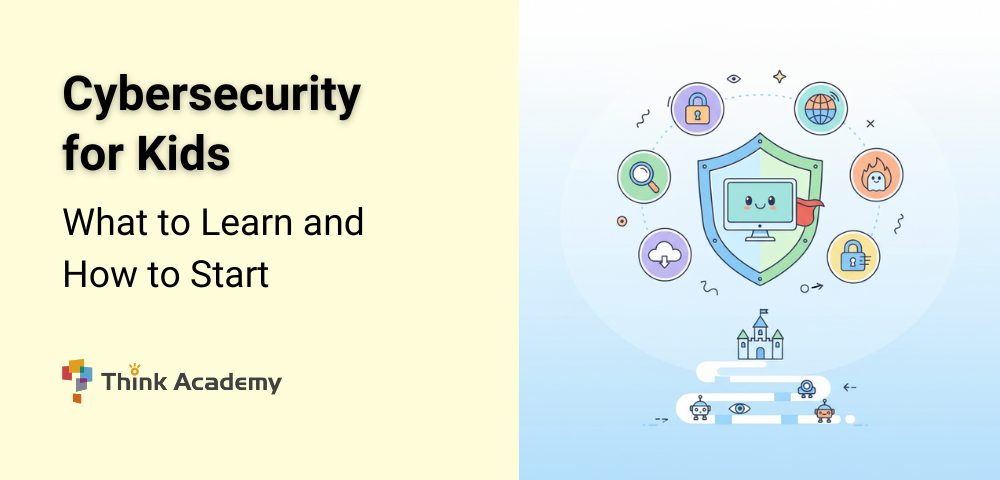
Cybersecurity for Kids: What to Learn and How to Start
Cybersecurity fundamentals help children understand how to stay safe, private, and responsible in a digital world. Just as parents teach children how to cross the street or avoid strangers, digital safety requires clear rules, awareness, and practice. As devices, apps, and online platforms become part of daily life at younger ages, cybersecurity is no longer a technical topic—it is a core life skill.
This guide explains what cybersecurity really means for children, the common online situations they face, why cybersecurity matters long-term, what kids should learn at different stages, and how parents can teach these skills at home.
What Is Cybersecurity (In Simple Terms)
Cybersecurity is often misunderstood as simply “learning how to stop hackers.” In reality, it is a multidisciplinary field that combines computer science, mathematics, engineering, psychology, and policy. University cybersecurity programs are designed to teach students how digital systems work, how they fail, and how to protect them responsibly at scale.
Below are the core subject areas typically covered in a cybersecurity major.
Computer Systems and Networks
Students first learn how computers and networks actually function. You cannot protect a system unless you understand it deeply.
This area includes:
- Operating systems (how computers manage memory, files, and processes)
- Computer networks (how data moves across the internet)
- Protocols such as HTTP, TCP/IP, and DNS
- Cloud systems and distributed computing
This foundation explains how information flows—and where vulnerabilities can appear.
Cryptography and Mathematical Security
Cryptography is the mathematical backbone of cybersecurity. It explains how information is protected using math.
Key topics include:
- Encryption and decryption
- Hash functions
- Public-key and private-key systems
- Authentication and digital signatures
- Probability and number theory related to security
This is where math becomes central. Concepts like combinations, randomness, and computational difficulty determine whether a password, message, or transaction is secure.
Secure Software and Programming
Cybersecurity majors study how software is built—and how poor design creates security risks.
This includes:
- Secure coding practices
- Identifying software vulnerabilities
- Understanding bugs such as buffer overflows or injection attacks
- Code review and testing
Students learn that many security failures come not from hackers being clever, but from software being poorly designed or rushed.
Risk Analysis and Threat Modeling
Cybersecurity is not only about prevention—it is about decision-making under risk.
Students learn to:
- Identify assets worth protecting
- Analyze threats and likelihoods
- Evaluate potential damage
- Prioritize defenses based on risk, not fear
This subject draws heavily on logic, probability, and systems thinking, similar to advanced problem-solving in math and science.
Human Factors and Psychology
Many security breaches happen because of human behavior, not technical failure.
Cybersecurity programs increasingly include:
- Social engineering and phishing analysis
- Behavioral patterns behind scams
- Usability vs. security trade-offs
- How people interpret warnings and instructions
This explains why cybersecurity overlaps with psychology and why critical thinking matters as much as technical skill.
Law, Ethics, and Policy
Cybersecurity decisions have legal and ethical consequences. Students must understand boundaries and responsibilities.
Topics include:
- Cyber law and privacy regulations
- Ethical hacking and responsible disclosure
- International cyber conflict and policy
- Data protection and compliance
This area is especially important for students interested in public policy, law, or global affairs.
Incident Response and Digital Forensics
Advanced students learn what happens after a security incident occurs.
This includes:
- Detecting breaches
- Investigating digital evidence
- Understanding logs and system behavior
- Learning how organizations recover and prevent recurrence
This subject combines technical analysis with careful reasoning and documentation.
What This Means for Kids Learning Today
Cybersecurity as a major is not about memorizing tools—it is about structured thinking across multiple disciplines.
The skills behind it begin much earlier:
- Logical reasoning
- Pattern recognition
- Careful use of information
- Probability and combinations
- Explaining cause and effect
When children practice explaining why a password is strong, how a scam works, or what might happen next, they are already building the thinking habits used in real cybersecurity education.
Common Online Scenarios Children Encounter
Children today face digital situations that did not exist a generation ago. Understanding these common scenarios helps parents teach cybersecurity in context.
Typical situations include:
- Receiving messages or links in games, emails, or chats
- Creating usernames and passwords for apps or school platforms
- Being asked to share personal information to unlock features
- Encountering pop-ups, ads, or “free reward” offers
- Posting comments, photos, or videos that remain online
Many online threats aimed at children are not highly technical. They rely on tricks, urgency, or curiosity, which is why teaching judgment matters more than teaching tools.
Why Cybersecurity Is Important for Children
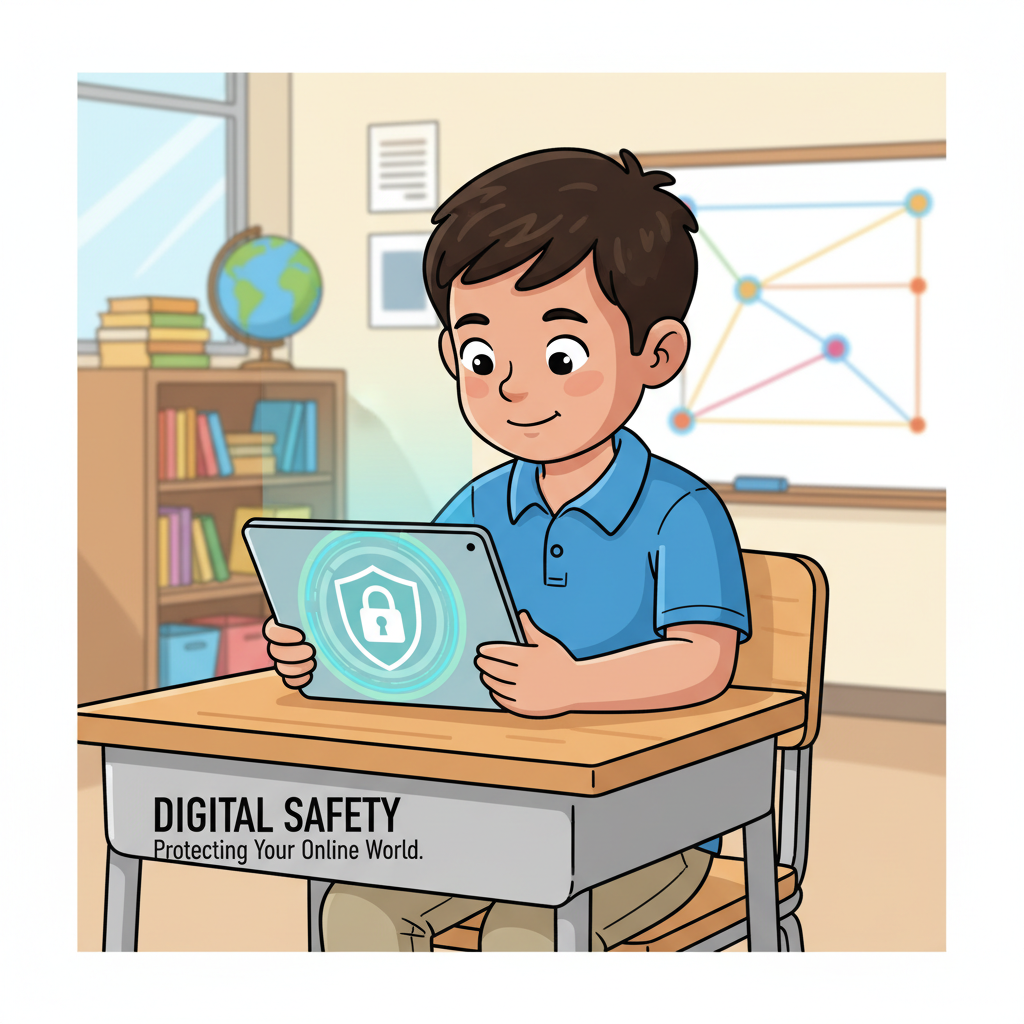
Cybersecurity protects more than devices—it protects identity, privacy, and well-being.
For children, poor digital habits can lead to:
- Exposure of personal information
- Account takeovers or misuse
- Emotional distress from scams or inappropriate contact
- Long-term digital footprints that are hard to erase
From a future perspective, cybersecurity skills are also increasingly valuable. According to the U.S. Bureau of Labor Statistics, employment for information security analysts is projected to grow 32% from 2022 to 2032, far faster than average, with median annual pay above $110,000. While not every child will enter this field, the thinking skills behind cybersecurity—logic, caution, and analysis—benefit every career path.
What Children Should Learn About Cybersecurity
Cybersecurity education for kids focuses on thinking habits, not technical expertise.
Digital Awareness
Children should understand:
- What information is private and should not be shared
- That not everyone online is who they claim to be
- That “urgent” or “too good to be true” messages are warning signs
Logical and Critical Thinking
Cybersecurity relies on asking questions:
- Why is this message asking for information?
- Does this link match the sender?
- What might happen if I click this?
These are the same reasoning skills used in math problem-solving and scientific thinking.
Basic Password and Data Concepts
Even young children can grasp that:
- Longer passwords are harder to guess
- Mixing letters, numbers, and symbols increases combinations
- Reusing passwords increases risk
These ideas connect naturally to math concepts like counting and probability, even without formal formulas.

How to Teach Cybersecurity by Age
Cybersecurity learning should grow with the child.
Ages 4–7: Rules and Safe Habits
At this stage, focus on clear boundaries and repetition.
Children should learn to:
- Ask permission before using new devices or apps
- Recognize trusted sites and games approved by parents
- Keep passwords secret and not share personal details
Parents can reinforce learning by:
- Practicing “stop and ask” before clicking
- Counting characters in simple passwords
- Pointing out secure symbols like the browser padlock
Ages 8–12: Reasoning and Responsibility
Older children are ready to understand why rules exist.
Key learning goals include:
- Recognizing phishing or fake messages
- Reviewing and understanding privacy settings
- Learning about digital footprints and long-term consequences
- Creating stronger passwords using combinations
Parents can practice these skills by:
- Reviewing app permissions together
- Asking children to explain why a message looks suspicious
- Role-playing scam scenarios and discussing outcomes
How Parents Can Support Cybersecurity at Home
Cybersecurity is most effective when it is part of everyday conversation.
Helpful family practices include:
- Setting clear, age-appropriate digital rules
- Encouraging open discussion about online experiences
- Treating mistakes as learning opportunities
- Gradually increasing independence as judgment improves
Parental controls and monitoring tools are helpful, but education and trust are more important than surveillance.
Final Takeaway for Parents
Cybersecurity fundamentals teach children how to think carefully in a digital environment. While the field itself involves advanced technology, the foundation is built on logic, awareness, and responsible decision-making. Learning to pause before clicking, question unusual requests, and protect personal information helps children develop judgment that extends far beyond screens.
To reinforce these skills at home, families can use free math and logic worksheets that focus on pattern recognition, probability, and step-by-step reasoning—concepts closely connected to cybersecurity ideas like password strength and risk assessment. Working through these worksheets and asking children to explain why an answer makes sense helps turn digital safety from a list of rules into a habit of thoughtful, analytical thinking.
About Think Academy
Think Academy, part of TAL Education Group, helps K–12 students succeed in school today by building strong math foundations and critical thinking skills. At the same time, we focus on the bigger picture—developing learning ability, curiosity, and healthy study habits that inspire a lifelong love of learning. With expert teachers, proven methods, and innovative AI tools, we support every child’s journey from classroom confidence to long-term growth.
Check our math programs:
- Early Childhood — PreK
- Lower Elementary — Grades K–2
- Upper Elementary — Grades 3–5
- Middle School — Advanced math topics, including Algebra 1, Algebra 2, and Geometry
Want more insights on math learning and parenting? Fill out the form on this page and subscribe to our newsletter for weekly tips and the latest resources.
Leave a Comment & Share Your Thoughts!

Share This Story, Choose Your Platform!
Related Posts